Claude Code Keyboard Shortcuts You're Missing
15 keyboard shortcuts that make Claude Code feel like a superpower instead of a chat window.
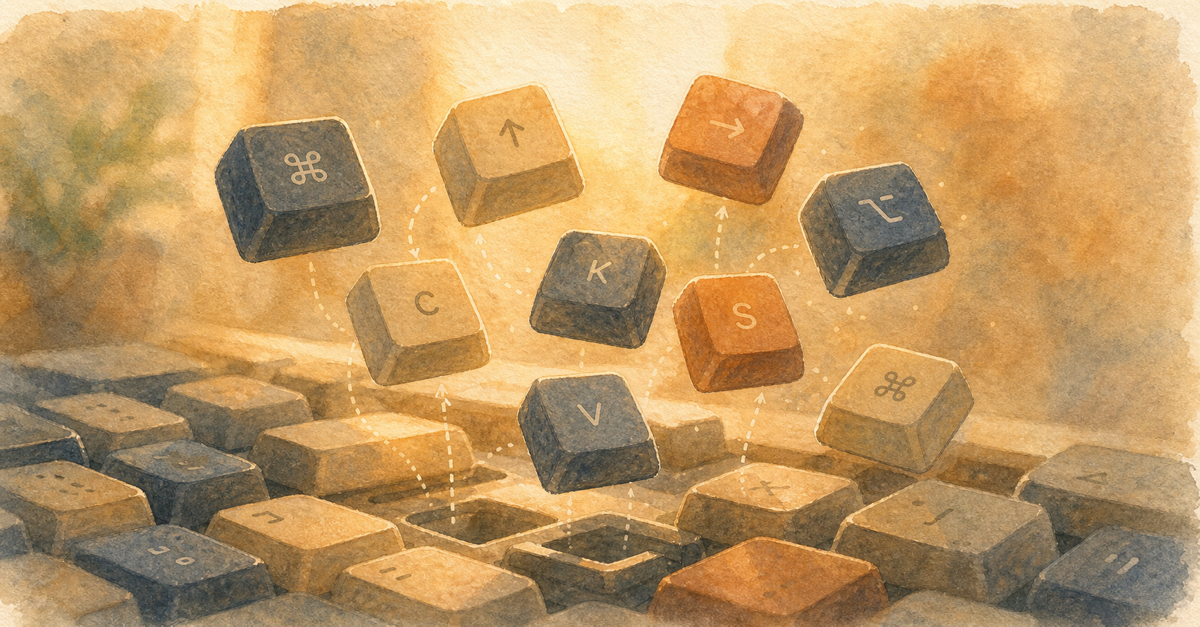
Most people interact with Claude Code like it's a chat window. Type, enter, wait, repeat. But there's a whole layer of keyboard shortcuts that make it dramatically faster.
Essential Shortcuts
| Shortcut | What It Does |
|---|---|
Shift+Tab | Toggle Plan Mode (think before acting) |
Option+T | Toggle extended thinking |
Escape | Cancel current operation |
Ctrl+C | Interrupt and get partial results |
Ctrl+L | Clear conversation (fresh context) |
Navigation Shortcuts
| Shortcut | What It Does |
|---|---|
Up Arrow | Edit last message |
Ctrl+R | Search conversation history |
/ | Open command palette |
Power User Shortcuts
| Shortcut | What It Does |
|---|---|
@file | Reference a specific file in your prompt |
# | Add context from recent files |
! prefix | Run a shell command directly |
The Ones That Matter Most
Shift+Tab (Plan Mode) and Escape (cancel) are the two you'll use constantly. Plan Mode prevents expensive mistakes. Escape saves you when Claude goes down a wrong path.
Option+T (thinking toggle) is underrated. Turn it on for complex tasks where you want Claude to reason deeply. Turn it off for simple tasks to save tokens.
Build the Muscle Memory
Pick three shortcuts. Use them exclusively for a week. Then add three more. Within a month, Claude Code feels like an extension of your hands, not a thing you type into.
Full list in the shortcuts reference.
Related Posts
The 3 Prompts That Changed How I Use Claude Code
Specific, copy-paste-ready prompts that immediately level up your Claude Code workflow.
The Compound Effect: What Changes After 30 Days
Day one is cool. Day seven is useful. Day thirty is transformative. Here's the progression.
10 Claude Code Features You Didn't Know Existed
Claude Code has way more depth than most people realize. Here are 10 features hiding in plain sight that will change how you work.
New guides, when they ship
One email, roughly weekly. CLAUDE.md templates, workflows I actually use, and the cut-for-length stuff that does not make the public guides. One-click unsubscribe.
Or follow on Substack