I Let Claude Code Run Overnight. Here's What Happened.
Autonomous loops let Claude Code work while you sleep. The results were better than I expected.
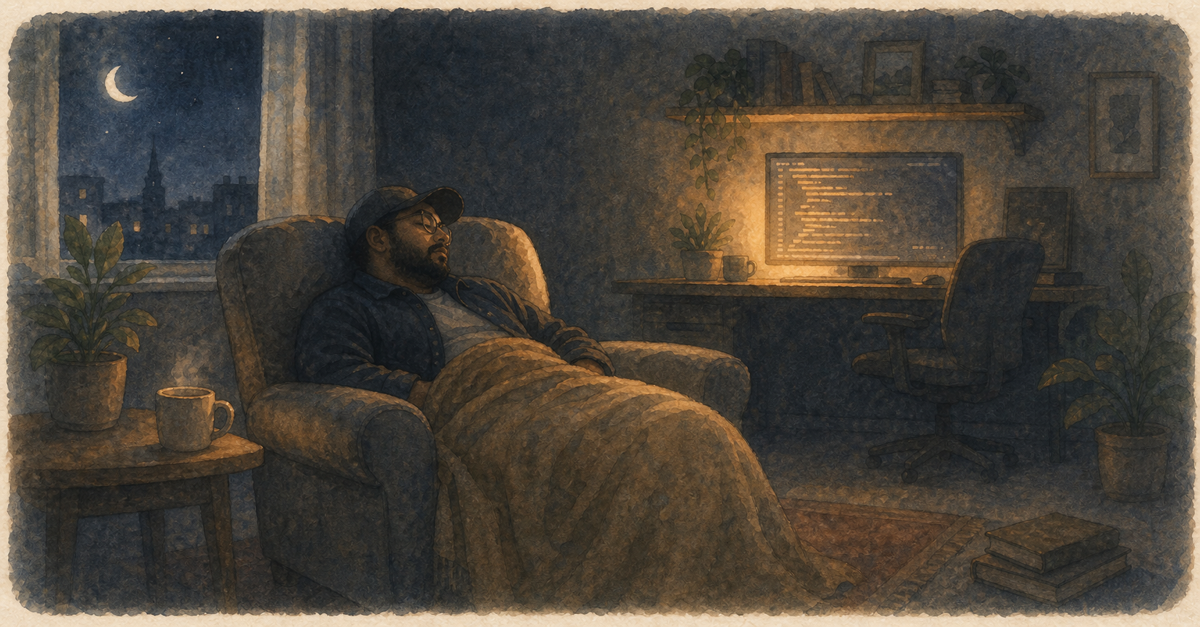
At 11pm on a Tuesday, I gave Claude Code a task: "Refactor the authentication module. Split the monolithic auth.ts into separate files by concern. Write tests for each new module. Update all imports."
Then I went to sleep.
The Setup
Autonomous loops let Claude Code work without human approval for each step. You set guardrails (what it can and can't do) and let it run.
My guardrails:
- Can read and write files in the
src/auth/directory - Can run tests
- Cannot modify files outside the auth module
- Cannot run deployment commands
- Cannot delete files without creating replacements first
What I Found at 7am
The monolithic 800-line auth.ts was split into 6 focused modules. Each had a clear responsibility. 47 new tests, all passing. All imports updated. Git log showed 12 clean commits with descriptive messages.
Was it perfect? No. I'd have named two files differently. One test was redundant. Minor stuff.
The Risk/Reward
Autonomous mode is powerful but requires trust. Start small, with a well-scoped refactoring task and clear boundaries. Don't let it loose on your entire codebase on day one.
Set up a stop mechanism (I use a STOP file that halts execution). Limit the scope. Review everything in the morning.
The math is hard to argue with: 8 hours of compute time while I slept. That refactoring would have taken me two full days of focused work.
Read the autonomous loops guide before trying this. Guardrails are not optional.
Related Posts
How a PM Shipped a Feature Without Writing Code
A product manager used Claude Code to go from requirements to deployed feature. No engineering handoff needed.
Hooks: Set It Up Once, Never Think About It Again
Hooks run automatically before or after Claude Code actions. Automate formatting, linting, and validation.
Skills vs Prompts: Why Workflows Win
Stop copy-pasting the same prompts. Package them into reusable skills and never repeat yourself.
New guides, when they ship
One email, roughly weekly. CLAUDE.md templates, workflows I actually use, and the cut-for-length stuff that does not make the public guides. One-click unsubscribe.
Or follow on Substack