Skills vs Prompts: Why Workflows Win
Stop copy-pasting the same prompts. Package them into reusable skills and never repeat yourself.
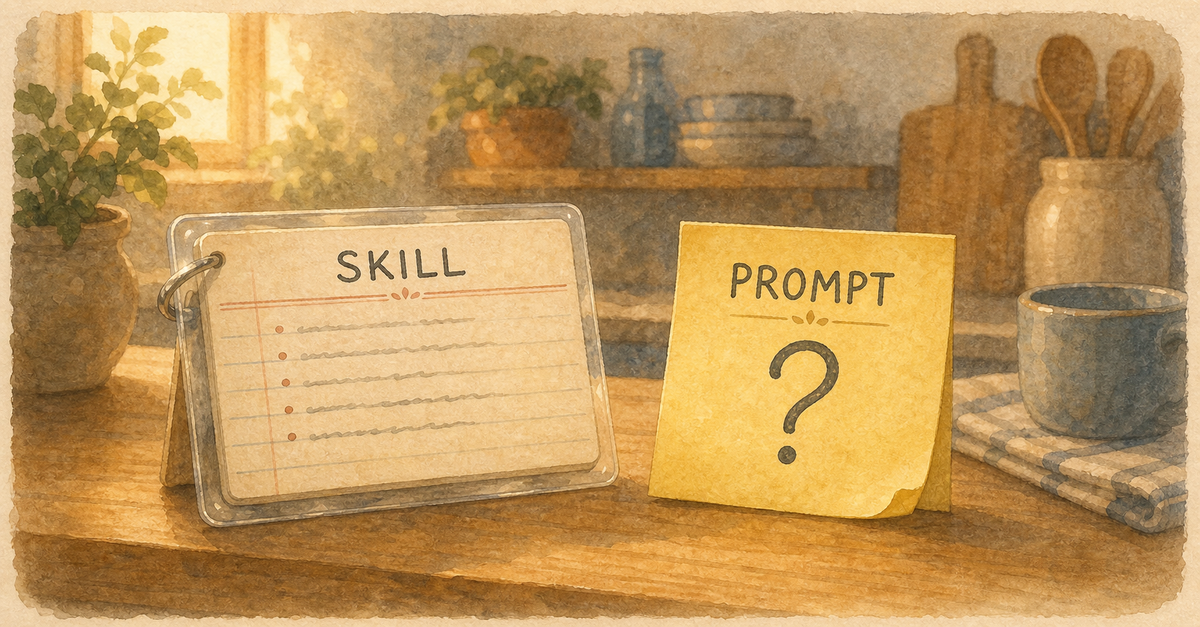
You have a prompt you use all the time. Maybe it's "review this code for security issues" or "write tests for the changed files." You copy-paste it every time.
Stop that. Turn it into a skill.
What's a Skill?
A skill is a reusable workflow that you can invoke with a slash command. Instead of typing your 50-word prompt, you type /review or /test-changes and the entire workflow runs.
Prompt vs Skill
| Prompt | Skill |
|---|---|
| Ad-hoc, typed each time | Defined once, reused forever |
| Varies each invocation | Consistent every time |
| Single action | Multi-step workflow |
| Your memory | Version controlled |
| Personal | Shareable with team |
Building Your First Skill
Create a markdown file in your skills directory. Define:
- The trigger (when should this run?)
- The steps (what does it do, in order?)
- The output (what should it produce?)
A code review skill might: read git diff, check for security issues, verify test coverage, check for style violations, and produce a summary with action items.
The Compounding Factor
One skill saves you 2 minutes per use. Ten skills save you 20 minutes per session. Over a month, you've automated hours of repetitive work.
Skills are the bridge between "using Claude Code" and "having Claude Code as your operating system." They encode your workflow into reusable automation.
Start with your most-repeated prompt. Turn it into a skill. Then do another. The skills guide shows you exactly how.
Related Posts
Sub-Agents: The Feature Nobody Uses (But Should)
Claude Code can delegate tasks to specialized sub-agents. Most people don't know this exists.
Hooks: Set It Up Once, Never Think About It Again
Hooks run automatically before or after Claude Code actions. Automate formatting, linting, and validation.
I Let Claude Code Run Overnight. Here's What Happened.
Autonomous loops let Claude Code work while you sleep. The results were better than I expected.
New guides, when they ship
One email, roughly weekly. CLAUDE.md templates, workflows I actually use, and the cut-for-length stuff that does not make the public guides. One-click unsubscribe.
Or follow on Substack