How to Debug with Claude Code (Stop Guessing)
A systematic approach to debugging with Claude Code. Stop guessing, start diagnosing.
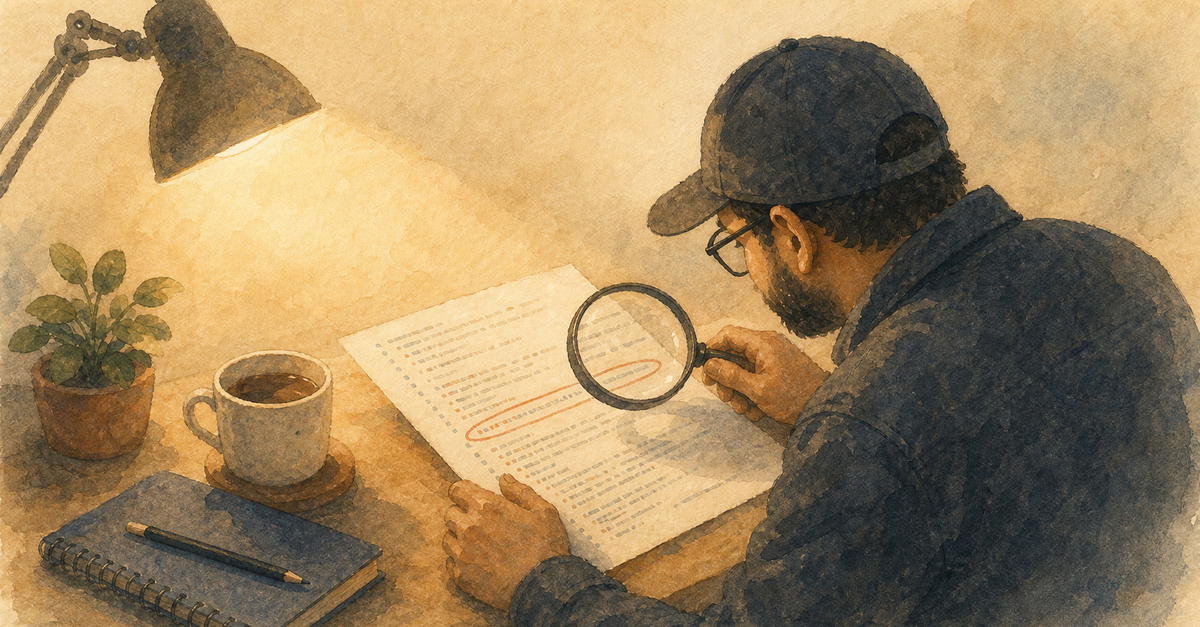
Most people debug with Claude Code by saying "it's broken, fix it." That's not debugging. That's hoping.
The Systematic Approach
Follow the debugging workflow in three phases:
Phase 1: Reproduce
"Here's the error message: [paste it]. Here's how to reproduce: [exact steps]. Here's what should happen: [expected behavior]."
Give Claude the full picture. Error message, reproduction steps, expected behavior. Don't make it guess.
Phase 2: Diagnose
"Read the relevant files and explain what's causing this. Don't fix it yet, just explain."
This is the step most people skip. They jump straight to "fix it" and Claude makes changes based on incomplete understanding. Force the diagnosis first.
Phase 3: Fix and Verify
"Now fix it. After fixing, run the relevant tests to verify the fix works and nothing else broke."
Fix AND verify in one step. Don't assume the fix works. Prove it.
Pro Tips
- Paste the full error. Not a summary. The full thing. Stack trace included.
- Share the command that triggered it. Claude needs to reproduce the context.
- Use git diff. "Show me what changed since the last working commit" is a powerful diagnostic.
- Check the obvious first. "Is the dev server running? Are dependencies installed?" Saves embarrassment.
When Claude Gets Stuck
If the first fix doesn't work, don't say "that didn't work, try again." Say "that didn't work, here's the new error message." Give it new data, not just another attempt.
Debugging is a conversation. Treat it like one.
Related Posts
Why Most People Use Claude Code Wrong
You installed Claude Code, typed a prompt, got a mid answer, and walked away. Here's what you missed.
CLAUDE.md Is Not Optional
Skipping CLAUDE.md is like hiring a developer and never telling them about the project. Stop doing it.
The Cold Start Problem and How to Fix It
Every Claude Code session starts from zero unless you set up the session lifecycle. Here's the 3-step fix.
New guides, when they ship
One email, roughly weekly. CLAUDE.md templates, workflows I actually use, and the cut-for-length stuff that does not make the public guides. One-click unsubscribe.
Or follow on Substack