Frameworks
The 5C Loop
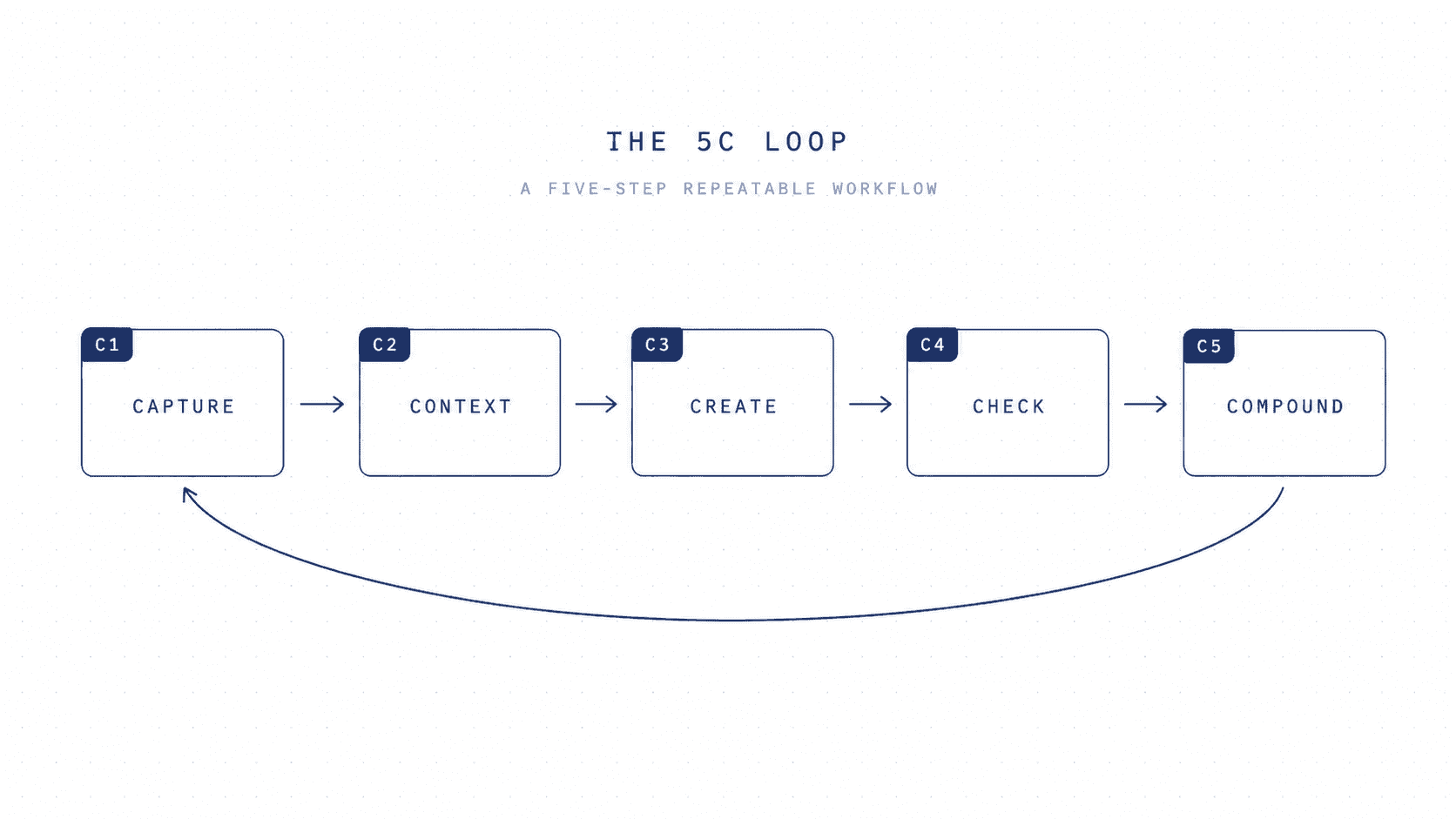
A five-step framework for using Claude with work you are actually responsible for. Capture, Context, Create, Check, Compound. Each step earns the next.
There are two ways to use AI at work.
The first way is to ask it a question, get an answer, and move on. This is useful. It saves a few minutes. But it does not change anything fundamental about how you work, because there is no system behind it. Every interaction starts from zero.
The second way is to build a loop. A repeatable sequence where each step sets up the next, where the outputs of today's work become the inputs of tomorrow's, and where Claude gets better at helping you the longer you use it together.
That second way is the 5C Loop.
Why most people plateau
When people first start using Claude at work, their quality improves quickly. The first time you ask it to draft an email, the draft is better than what you would have typed in a hurry. The first time you ask it to structure a document, it saves you twenty minutes.
Then the improvement curve flattens. The emails are still good, but they are not meaningfully better than last month. The documents come out slightly generic. You spend time rewriting them into your voice.
The problem is not Claude. The problem is that one-off prompts do not accumulate. You are renting intelligence by the hour instead of building a system that compounds.
The 5C Loop is the structure that gets you off that plateau.
The five steps
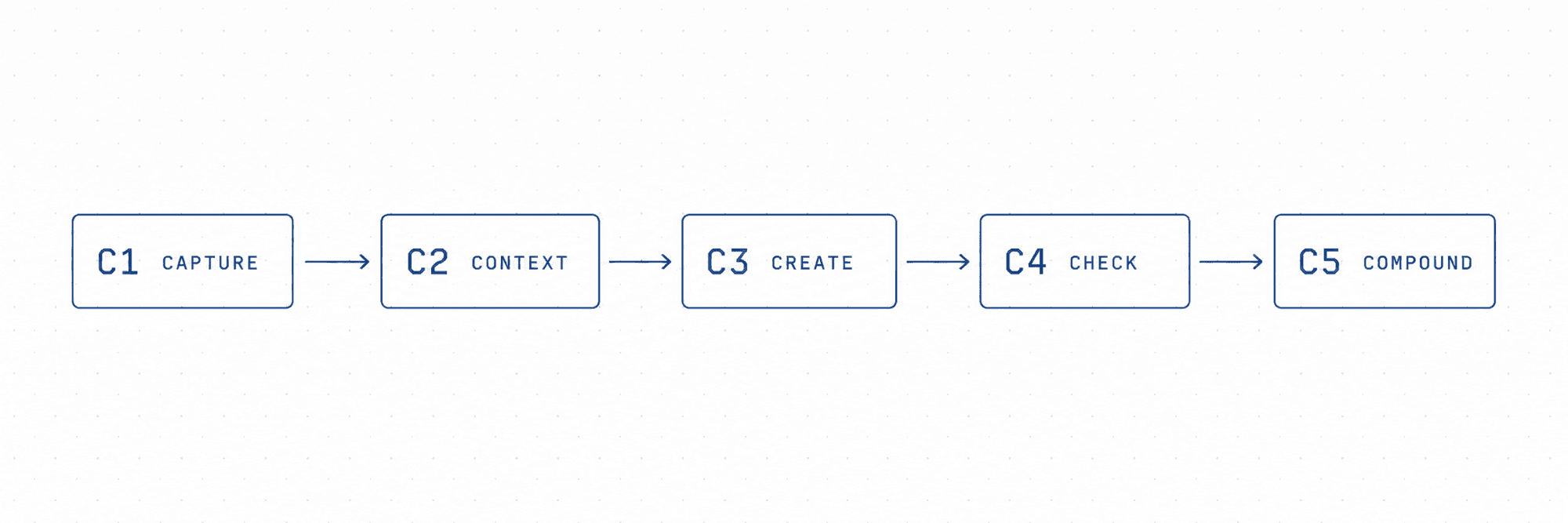
C1: Capture
Capture is the input step. Before you ask Claude to do anything, you gather the raw material: the email thread, the meeting notes, the document you are reacting to, the context that only exists in your head right now.
Most people skip this step or do it badly. They paste one paragraph into Claude when they have access to a whole document. They describe a conversation instead of pasting the actual words. The output they get back is as thin as the input they gave.
Capture is the discipline of giving Claude the real thing, not a summary of it.
What this looks like: Before writing an update, you paste the actual stakeholder message you are responding to, the notes from the last meeting, and your own messy bullet points about what happened. You give Claude the full picture, not your interpretation of it.
C2: Context
Context is the instruction step. You tell Claude who it is talking to, what success looks like, what constraints apply, and what format the output needs to take.
This is not the same as the prompt. The prompt is what you want Claude to do. Context is what Claude needs to know to do it well.
Without context, Claude defaults to a generic interpretation of your request. With context, it narrows to exactly your situation.
The context minimum
Three questions answer most context gaps: Who is reading this? What do they already know? What do they need to do after reading it? If you answer those three before every major task, your outputs will stop sounding generic.
What this looks like: "The reader is our Head of Operations, who already approved the budget but is skeptical of the timeline. She needs to walk away from this update trusting that we have a handle on the risk. Format: three short paragraphs, no bullet points, written like a human wrote it."
C3: Create
Create is the generation step. Claude produces the output. You are not typing, you are reviewing and directing.
This is the step most people spend too much time trying to optimize with clever prompt tricks. The truth is that C1 and C2 do most of the heavy lifting. If your Capture was thorough and your Context was specific, Create mostly takes care of itself.
The discipline here is to let Claude finish before you start editing. Reading a half-formed output and interrupting mid-draft is one of the most expensive habits in AI-assisted work. Let the full output land. Then decide what needs changing.
What this looks like: Claude drafts the stakeholder update. You read the whole thing before touching a word.
C4: Check
Check is the accountability step. You are responsible for what leaves your hands. Claude is not. That responsibility does not transfer just because you did not type it.
The Check step is not about distrust. It is about the fact that Claude cannot know what is politically sensitive in your organization, what was said off the record in that meeting, or what your manager's current anxiety is about the project. You can. So you check for the things only you can verify.
Good checking is fast when C1 and C2 were done well. If the context was precise and the input was real, the output will be close. You are making small corrections, not full rewrites.
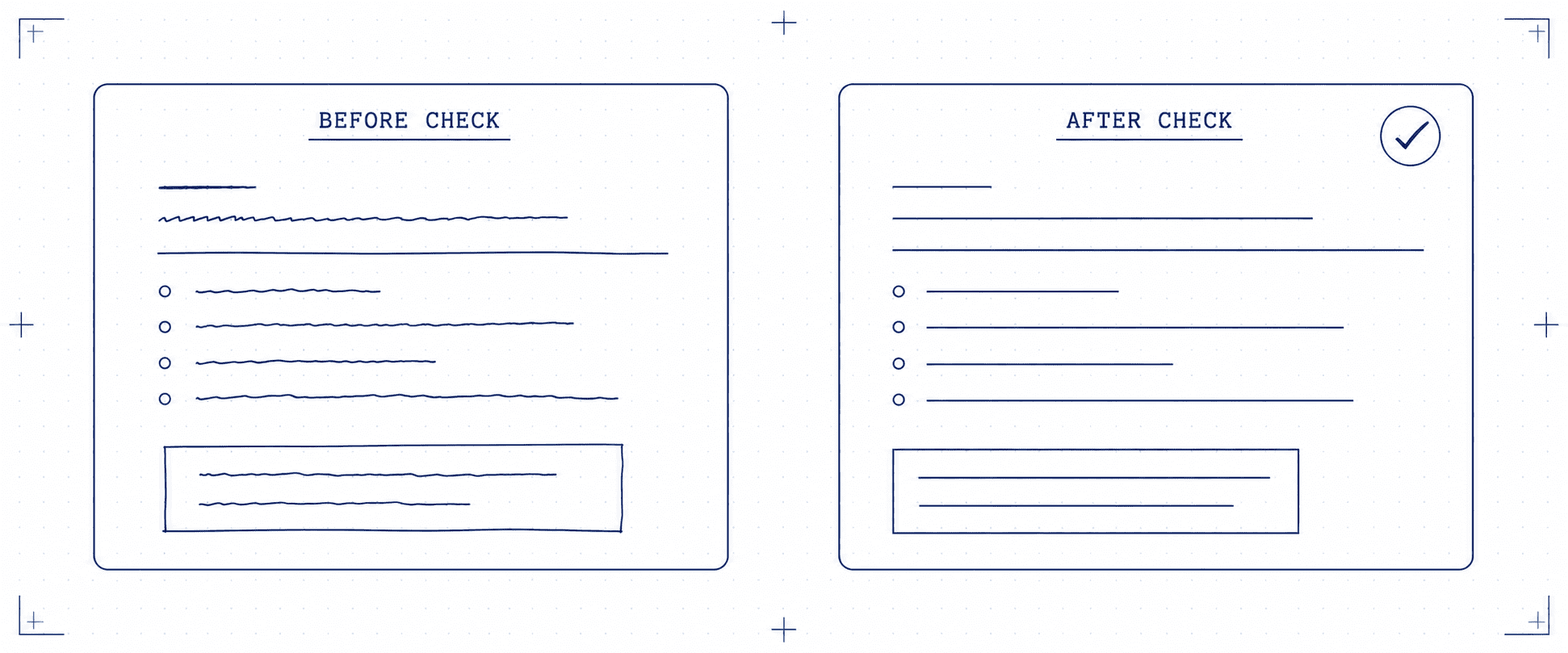
What this looks like: You read the update for facts, tone, and anything that might land wrong. You correct one line about the timeline and change a word that sounds too formal. Five minutes total.
C5: Compound
Compound is the leverage step. Most people skip this one entirely, which is why they stay on the productivity plateau.
Compounding means feeding this session's output back into your system so the next session starts higher. Specifically: saving prompts that worked well, updating your CLAUDE.md with patterns you want Claude to remember, saving the best outputs as templates, and noting what context made this session sharp.
The first run of any task takes twenty minutes. The fifth run takes five. The tenth run takes two. Compound is what creates that curve.
What this looks like: After sending the update, you save the context paragraph to your CLAUDE.md as a template for "stakeholder updates with risk framing." Next time this situation comes up, C2 is already done.
The full loop in a single example
An operations manager needs to write a weekly exception report for their VP.
Capture: They paste the three Slack threads where problems were flagged, the original forecast spreadsheet, and their handwritten bullet points from the Thursday meeting.
Context: "The VP reads this on Friday afternoon. She does not want to be surprised on Monday. Format: one executive summary paragraph, then three issues with status and owner. Plain language, no jargon. Maximum one page."
Create: Claude produces the report. It takes 40 seconds.
Check: The manager reads it. One issue was described as "resolved" but is actually "resolved pending sign-off." They change that. The rest is accurate.
Compound: The context paragraph gets saved to their CLAUDE.md. The issue format (issue, status, owner) gets saved as a reusable template. Next Friday, C2 and the skeleton of C1 are already ready.
The first Friday: 45 minutes. The fifth Friday: 12 minutes. The tenth Friday: 8 minutes, mostly checking.
What makes this different from just prompting
The 5C Loop does three things that single prompts cannot.
First, it separates the work into steps so each step gets proper attention. Capture does not happen inside the prompt. It happens before, as a deliberate gathering act. That separation forces completeness.
Second, it creates a feedback path. Compound does not exist in a one-off prompt. There is no mechanism to carry learning forward. The loop closes the circuit.
Third, it works across roles. An educator using this to write a lesson plan runs the same five steps as a financial analyst writing a board memo, or an operations manager writing an exception report. The loop is universal. The content of each step is role-specific.
Who this is for
The 5C Loop is for knowledge workers who already use Claude sometimes but feel like they are not getting the compound returns they expected.
Specifically: people who produce documents, communications, reports, and analysis as their primary work output. If you write things for other people to read or act on, this loop is for you.
It is not for developers writing code interactively. That use case has its own patterns (see the Patterns section).
The spoke pages
Each spoke takes 5C and translates it into one specific professional context, with real use cases, actual prompts, and the compound value specific to that role.
- 5C Loop for Operations: SOPs, exception reports, vendor communication, process documentation
- 5C Loop for Product Managers: PRDs, roadmap briefs, discovery readouts, OKR narratives, stakeholder updates
- 5C Loop for Teachers: lesson plans, rubrics, student feedback, parent communication, assessment design
- 5C Loop for Marketers: campaign briefs, performance reports, email sequences, creative briefs, launch content
The loop works because it closes. Start with Foundations if you are still setting up your workspace, or go straight to the spoke for your role.
New guides, when they ship
One email, roughly weekly. CLAUDE.md templates, workflows I actually use, and the cut-for-length stuff that does not make the public guides. One-click unsubscribe.
Or follow on Substack